Six things the list does for you
Shared in real time
Add, remove, and check off items from any device. Everyone in the household sees the change the moment it happens.
Mark items as bought
Tap to check an item off while you shop so nobody else grabs the same thing.
Match against your receipt
After you scan a receipt, see what you bought as planned, what was on the list but missed, and what you grabbed unplanned.
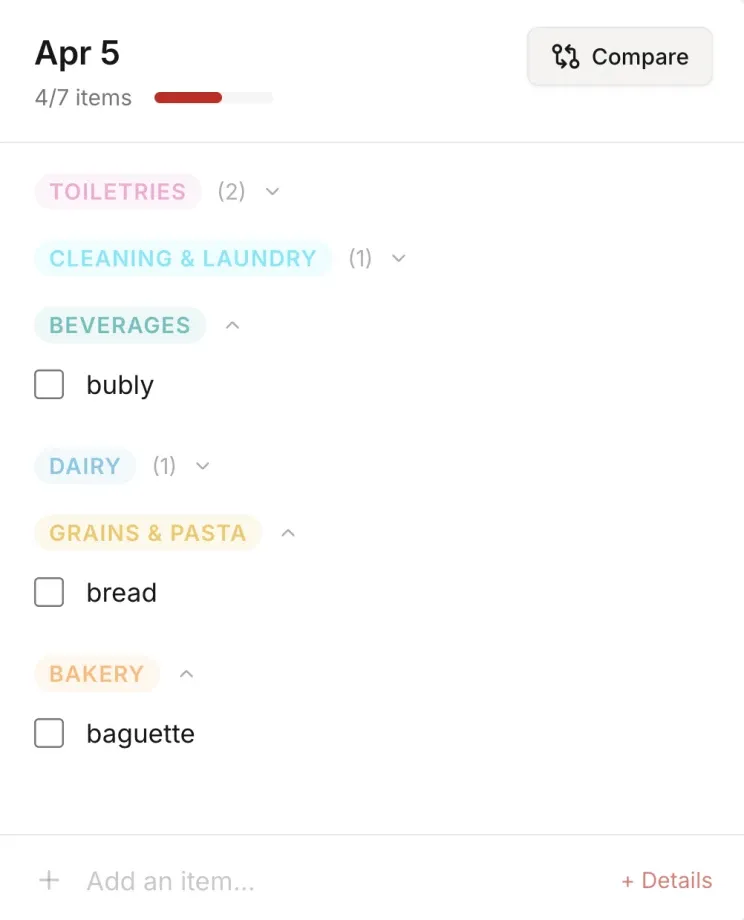
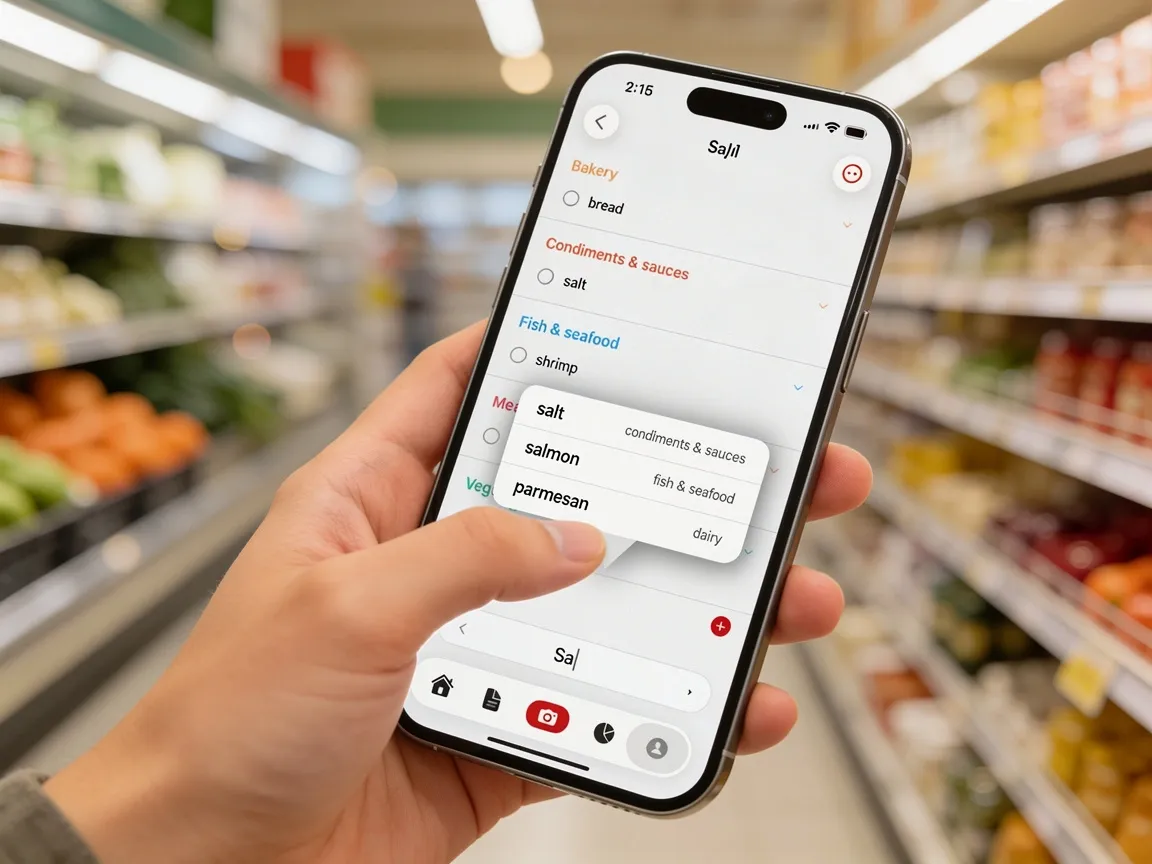
Auto-sorted as you type
Every item you add drops into the right grocery category automatically. No tagging, no dragging, no cleanup.
Recurring items (coming soon)
Set staples like milk and bread to appear on your list every week without you having to remember.
Smart suggestions (coming soon)
Get suggestions for items you are likely running low on based on how often you normally buy them.
How it works
Add items to your list
Type items manually or add them from your past receipt history.
Share with your group
Everyone in your shared group sees and can edit the same list.
Check off items as you shop
Mark items as bought in real time so others know what is done.
Who is this for?
Households with multiple shoppers
Keep everyone on the same list so nothing gets duplicated or forgotten.
Anyone who forgets half the list
Build your list throughout the week and never walk into a store unprepared.
Impulse-buy watchers
Scan the receipt after a trip and see every item that was not on the plan.
One list. Everyone sees it. Always.
Add a missing staple on your way to work and your partner sees it before they stop at the store on their way home. Check off the last of the bananas and the rest of the household knows not to grab more. No shared text threads, no photos of handwritten lists, no three cartons of milk on the counter.
See what you actually bought vs. what you planned.
When you scan a receipt, Groceries Tracker compares it against your active list and gives you three answers in one view: what you bought exactly as planned, what was still on the list that you forgot, and what you picked up that was never on the list to begin with. It is the difference between thinking you got everything and knowing for a fact.
Planned
$0.00
Spent
$213.07
Difference
+$213.07
Type "sourdough," watch it drop into Bakery.
As soon as you add an item to the list, it sorts itself into the right grocery category. Produce with produce, dairy with dairy, and so on. No tagging, no dragging, no cleanup. The list stays organized even when three people are adding items at once. Recurring staples and smart suggestions are on the way.
FAQ
Can multiple people edit the list at once?
Yes. All group members can add, remove, and check off items simultaneously. Changes sync in real time.
Can I create multiple lists?
Yes. You can have separate lists for different stores, meal plans, or shopping trips.
Does the list sync with receipts?
Yes. When you scan a receipt, the app compares it against your active list and shows you three things at once: what you bought as planned, what was still on the list that you missed, and what you grabbed that was never on the list.
Is there a mobile view?
Yes. The app is fully responsive and works great on phones, which is exactly where you need it while shopping.
What is coming next for grocery lists?
Two things. Recurring items, so staples like milk and bread show up on your list every week automatically. And smart suggestions, which flag items you are likely running low on based on how often you normally buy them.